A fundraising email that lands in spam raises nothing. Nonprofit email deliverability is the work of making sure your appeals, newsletters and receipts actually reach the inbox, and it matters most in the weeks when you can least afford problems: Giving Tuesday and the year-end rush. Being a charity earns no special treatment from Gmail or Yahoo. This guide explains the current bulk-sender rules, the authentication records you need, how to warm up before peak season, and how to monitor your reputation so you catch problems before December 31.
Key takeaways
- The rules apply to charities too: Gmail and Yahoo require authentication, one-click unsubscribe and low spam complaint rates from bulk senders, nonprofit or not.
- Authenticate first: SPF, DKIM and a DMARC record aligned with your From domain are the baseline.
- Warm up before the peak: ramp volume in October and November, not on December 28.
- Clean lists win: remove bounces, suppress long-term unengaged contacts and honor unsubscribes quickly.
- Watch the numbers: Google Postmaster Tools shows your spam rate and compliance status for Gmail recipients.
Why nonprofit email deliverability matters
Nonprofits have a deliverability profile that is easy to get wrong. Volume is uneven: quiet for months, then several emails a week in late November and December. Lists often include old event sign-ups, imported spreadsheets and donors who have not heard from you in years. Sudden volume spikes to stale addresses are exactly what spam filters are built to distrust.
Your platform choice matters too. Some tools manage sending infrastructure for you; others, like eMailBase, let you bring your own sending provider such as Amazon SES. Our comparison of the best Mailchimp alternatives for nonprofits covers that trade-off. Whichever route you choose, the practices below apply.
Gmail and Yahoo bulk-sender rules for nonprofits
Since 2024, Google and Yahoo have enforced stricter requirements for senders. Here is what Google's official email sender guidelines require as of November 2026.
For all senders to Gmail
- Authenticate mail with SPF or DKIM.
- Have valid forward and reverse DNS (PTR) records for sending IPs.
- Use a TLS connection.
- Keep the spam rate reported in Postmaster Tools below 0.3%.
- Format messages according to RFC 5322 and do not impersonate Gmail From headers.
Additional rules for bulk senders
Google defines a bulk sender as one that sends close to 5,000 or more messages to personal Gmail accounts in 24 hours, and that status does not expire once reached. A mid-sized nonprofit can cross that line with a single year-end appeal. Bulk senders must also:
- Use SPF and DKIM, plus a DMARC record (a policy of
p=noneis acceptable). - Align the From domain with the SPF or DKIM domain.
- Support one-click unsubscribe (RFC 8058) in marketing and subscribed messages, with a visible unsubscribe link in the body.
- Keep spam rates below 0.3%. Google recommends staying under 0.1%.
Google's sender guidelines FAQ says unsubscribe requests should be fulfilled within 48 hours. Yahoo's sender best practices set similar expectations: SPF and DKIM, a passing DMARC policy with alignment, a List-Unsubscribe header (RFC 8058 preferred), unsubscribes honored within two days, and a spam rate below 0.3%.
Set up SPF, DKIM and DMARC
Authentication tells mailbox providers your emails really come from your organization. The three records work together:
- SPF lists the servers allowed to send for your domain.
- DKIM adds a cryptographic signature that proves the message was not altered. Google requires keys of at least 1024 bits and recommends 2048.
- DMARC tells receivers what to do when SPF or DKIM fail and sends you reports.
A typical starting DMARC record looks like this:
Start with p=none to collect reports, confirm that every legitimate sender (your email platform, donation receipts, your office mail) passes, then consider moving to quarantine. Our step-by-step SPF, DKIM and DMARC setup guide walks through each record.
Watch out for third-party senders
Nonprofits often send from several systems: a donation platform for receipts, an event tool, a peer-to-peer fundraising site and an email marketing platform. Each one that uses your domain in the From address needs to be authorized in SPF or sign with DKIM for your domain. Missing one is a common reason receipts end up in spam.
Warm up before Giving Tuesday and year-end
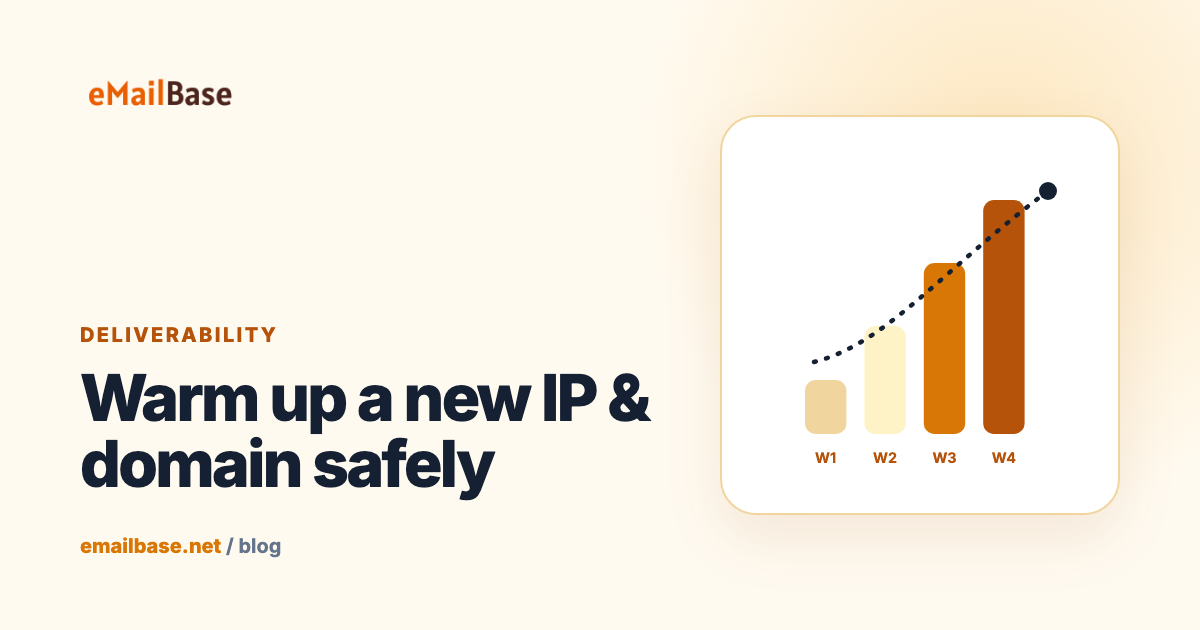
If you send a few thousand emails a month most of the year and then 30,000 in the last week of December, providers see a sudden spike from a sender they barely know. Warming up means increasing volume gradually so your domain and IP build a sending history.
- Start in October. Send to your most engaged segment first: recent donors and people who opened in the last 90 days.
- Increase gradually. Add less engaged segments over several weeks, watching bounces and complaints at each step.
- Keep sending steadily. A regular cadence through November is better than silence followed by a burst.
- Send your biggest volume to your best audience. Year-end appeals to long-lapsed addresses are the riskiest mail you send all year.
If you use a new domain, a new sending provider or a dedicated IP, warmup is essential. Our IP and domain warmup guide includes sample schedules, and our year-end fundraising email sequence shows how to space appeals across December. eMailBase includes IP and domain warmup strategies that ramp volume on a schedule you set.
List hygiene for donor lists
- Remove hard bounces immediately. Repeated sends to addresses that do not exist damage your reputation.
- Handle complaints automatically. Anyone who marks you as spam should be suppressed.
- Sunset unengaged contacts. Send a re-permission email to people who have not opened or clicked in 12 months (adjust to your cadence), then suppress those who do not respond. Note that Apple Mail Privacy Protection can inflate opens, so clicks and gifts are stronger signals.
- Never buy or rent lists. Purchased lists bring spam traps, complaints and consent problems.
- Confirm new sign-ups. Double opt-in on public forms reduces typos and bot sign-ups.
- Validate old imports. Before mailing a spreadsheet from a past event, check addresses and only include people who agreed to hear from you.
One-click unsubscribe and preference options
One-click unsubscribe uses two email headers, List-Unsubscribe and List-Unsubscribe-Post: List-Unsubscribe=One-Click, so that Gmail and Yahoo can show an unsubscribe button next to your sender name. Most email platforms add these automatically; check a test message's headers to confirm.
It may feel counterproductive to make leaving easy, but a donor who cannot find the unsubscribe link often clicks "Report spam" instead, and complaints hurt every future send. A preference page that offers "fewer emails" or "only year-end updates" can keep supporters who are tired of volume but not of your cause.
Content and spam-score checks
Authentication and reputation matter most, but content still plays a part:
- Keep the From name recognizable and consistent, for example "Maria at Riverside Food Bank".
- Avoid all-caps subject lines, piles of exclamation marks and misleading urgency.
- Balance images with real text and add alt text; a single large image with no text looks suspicious.
- Limit link shorteners and use your own domain in links where possible.
- Include your organization's postal address and a clear unsubscribe link.
- Send a plain, personal-looking message occasionally; these often perform well for appeals.
Run a spam-score check before big sends. eMailBase includes a spam-score check and AI Studio for copy help; our guide on AI email copywriting and spam scores explains what those checks look for and their limits.
Monitor deliverability with Postmaster Tools
Google Postmaster Tools is free and shows how Gmail sees your domain. Verify your domain with a DNS record, then check it weekly, and daily during campaigns. Google is moving Postmaster Tools to a v2 interface, and the key views are:
- Compliance status: whether your mail meets each sender requirement, marked compliant, needs work, or no data.
- Spam rate: the percentage of delivered mail users reported as spam. Investigate anything approaching 0.1%.
- Authentication and encryption: how much of your traffic passes SPF, DKIM, DMARC and TLS.
Low-volume senders may see "no data" on quiet days; that is normal. For Yahoo, enroll in its complaint feedback loop. Also watch your own platform's bounce and complaint rates per campaign, and read your DMARC reports for unauthorized senders.
| Signal | Where to see it | What to do if it spikes |
|---|---|---|
| Spam complaint rate | Postmaster Tools, Yahoo feedback loop | Pause, narrow to engaged segments, review consent sources |
| Hard bounces | Your sending platform | Suppress, check the list source |
| Authentication failures | DMARC reports, Postmaster Tools | Fix SPF/DKIM for the failing sender |
| Falling clicks | Your sending platform | Check inbox placement with seed tests, review content |
Frequently asked questions
Why are my nonprofit's emails going to spam?
The usual causes are missing or misaligned SPF, DKIM or DMARC, sudden volume spikes, old or purchased addresses, high complaint rates, and hard-to-find unsubscribe links. Check authentication first, then list quality.
Do Gmail's bulk sender rules apply to nonprofits?
Yes. Google's sender guidelines apply based on volume and behavior, not tax status. If you send close to 5,000 or more messages to personal Gmail accounts in a day, the bulk-sender requirements apply.
What spam complaint rate is acceptable?
Google requires a rate below 0.3% in Postmaster Tools and recommends staying below 0.1%. Yahoo also sets 0.3% as the threshold.
Does my nonprofit need DMARC?
If you are a bulk sender to Gmail or Yahoo, yes. Even below that volume, DMARC helps prevent people spoofing your domain in fake donation requests.
How early should we warm up for year-end fundraising?
Begin increasing volume to engaged supporters in October so you have several weeks of steady sending history before Giving Tuesday and the December peak.
Conclusion
Good nonprofit email deliverability comes from a few habits done consistently: authenticate with SPF, DKIM and DMARC, follow Gmail and Yahoo's bulk-sender rules, warm up before your busy season, keep lists clean, make unsubscribing easy and watch Postmaster Tools. Set these up in early autumn and your year-end appeals have a far better chance of reaching the donors who want to read them.