Who owns server operations?
Include updates, backups, monitoring, and incident response in total cost.

Both models let a business work with sending infrastructure it controls. The practical differences are server responsibility, workflow depth, and the effort required to keep the application running.
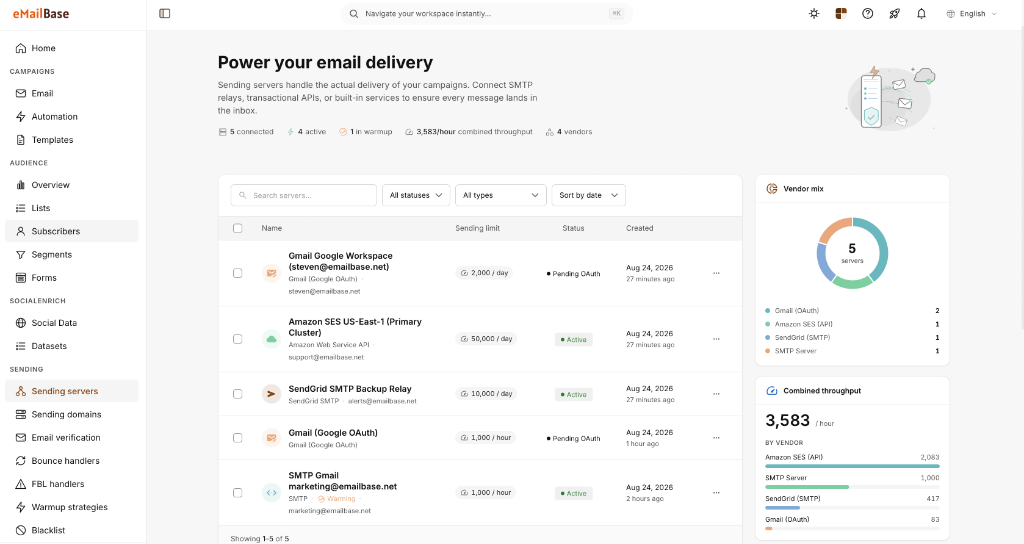
Sendy is a self-hosted newsletter application centered on Amazon SES, lists, and autoresponders. eMailBase extends the model with multi-branch automation, multiple sending providers, and team workflows.
Include updates, backups, monitoring, and incident response in total cost.
Decide whether you need broadcasts, sequential drips, or event-driven branches.
Measure the time from a marketing request to a tested workflow change.
Map consent, suppressions, custom fields, and autoresponder logic before moving.
Each row answers a deployment question instead of reducing the comparison to feature checkmarks.
Sendy · Self-hosted
eMailBase · BYO SaaS
Installed on a PHP and database environment maintained by your team.
Delivered as SaaS; the team configures accounts, DNS, and workflows.
Sends newsletters through Amazon SES and follows that account’s region, quota, and configuration.
Connects SES, SendGrid, Mailgun, SMTP, or Gmail OAuth for different sending needs.
Software license plus hosting, SES usage, and internal engineering effort.
Workspace fee separated from provider charges; model total cost with real volume and plan limits.
Time- or date-based autoresponders, with Rules and Webhooks for supported actions.
Multi-branch canvas combining delays, attributes, email behavior, and external events.
Lists, custom fields, segments, imports, and subscribers organized by brand.
Contact profiles, tags, and events shared across segmentation, automation, and reporting.
Brands and client accounts provide functional separation for users.
Sub-users, roles, and scoped API keys separate internal and client work.
APIs for campaigns and subscription actions, plus third-party integrations.
REST API and webhooks for contacts, events, campaigns, and automation.
Bounce and complaint handling runs through SES/SNS; your team still manages DNS and SES.
DNS status, suppressions, bounces, and provider health are brought into one operating layer.
You host the application and database, including backups, updates, and recovery.
You retain sending-provider accounts and can export data; automations still require migration mapping.
Sendy information was checked against the official product site, the API documentation. Features, limits, and prices can change; verify them before making a decision.
Choose according to your technical capacity and the complexity of the journeys you operate.
Timing depends on data volume, active automations, integrations, and your approval process.
Confirm owners, contacts, consent, suppressions, and active journeys.
Configure sending providers, access permissions, and required DNS records.
Move one priority workflow; verify triggers, exit rules, and webhooks.
Increase volume only after bounce, unsubscribe, and reporting data are stable.
Protect data integrity and sending permissions before optimizing for migration speed.
Consider Sendy when the primary need is newsletters through Amazon SES, your team can maintain PHP and a database, and a one-time software license fits your operating model.
Yes, if the SES account belongs to your business. Review IAM permissions, sending region, quota, and bounce handling before moving traffic.
At minimum, export subscribers, consent, suppressions, custom fields, segments, and campaign content. Diagram autoresponders before rebuilding them.
There is no universal period. Retire the old system only after DNS, bounce, unsubscribe, webhook, and reporting behavior have been reconciled.
Use a small dataset to validate sending connections, automation, bounce handling, and reporting before moving full traffic.