Key takeaways
- What BYO (Bring Your Own) means: The campaign management software (UI and logic) is decoupled from the infrastructure that actually delivers the mail (SMTP/API).
- How pricing works: You pay a flat software fee based on workspace capacity (sending servers, users, automations) and pay sending costs directly to your infrastructure provider at its list price (for example, Amazon SES charges $0.10 per 1,000 emails).
- Strategic benefits: No more costs that climb with list size (contact-tier pricing), full ownership of your sender reputation, and the freedom to switch sending providers at any time.
Most traditional all-in-one email marketing platforms are built on contact-based pricing. Once your list reaches 50,000 or 100,000 contacts, the monthly software bill can run from several hundred to several thousand dollars, even if you only send a handful of targeted campaigns each month.
The BYO email (Bring Your Own Sending Server) model restructures that cost flow and draws a clear technical boundary between software and infrastructure, so you pay only for what you actually use.
1. The two-layer architecture of BYO email
A BYO email system is split into two independent layers:
Application layer: eMailBase
Handles the entire user experience and marketing workflow: the drag-and-drop Template Builder, customer journey automation (Automation Mindmap), contact segmentation, lead data integrations, and campaign performance reporting.
Infrastructure layer: cloud SMTP/API
Handles delivering messages to the internet with high throughput and reliability. You can connect any of the leading sending providers, including Amazon Simple Email Service (SES), Twilio SendGrid, Mailgun, SparkPost (now part of Bird), and Postmark, as well as Google Workspace accounts (Gmail via OAuth).
2. The economics: all-in-one vs. BYO
Here is a realistic cost comparison for a business with 50,000 contacts sending an average of 200,000 emails per month:
| Cost item | Traditional platform (Mailchimp Standard) | BYO model (eMailBase Pro + Amazon SES) |
|---|---|---|
| Software fee | Bundled into contact-tier pricing | $12.99 / month (billed annually) |
| Cost to send 200,000 emails | Included, but capped by a monthly send limit tied to your contact tier | $20.00 / month (Amazon SES at $0.10 per 1,000 emails) |
| Total monthly cost | About $385.00 / month | About $32.99 / month |
| Total 12-month budget | $4,620.00 / year | $395.88 / year |
| Budget savings | — | Over 91.4% lower cost |
Figures are estimates based on published list prices and will vary with your plan and region. Amazon SES also bills small add-ons, such as outgoing data transfer for attachments ($0.12 per GB) and optional dedicated IPs, so budget a little headroom above the per-message rate.
3. Strategic benefits beyond cost
Beyond cost savings, the BYO model delivers decisive technical advantages:
- Reputation isolation: You own your sending domain and infrastructure, so your deliverability is not dragged down by other customers spamming from shared IP pools on low-cost platforms.
- No vendor lock-in: When you need to switch infrastructure providers (for example, moving from SendGrid to Amazon SES to cut costs), all of your contacts, automation workflows, and campaign history stay intact in eMailBase.
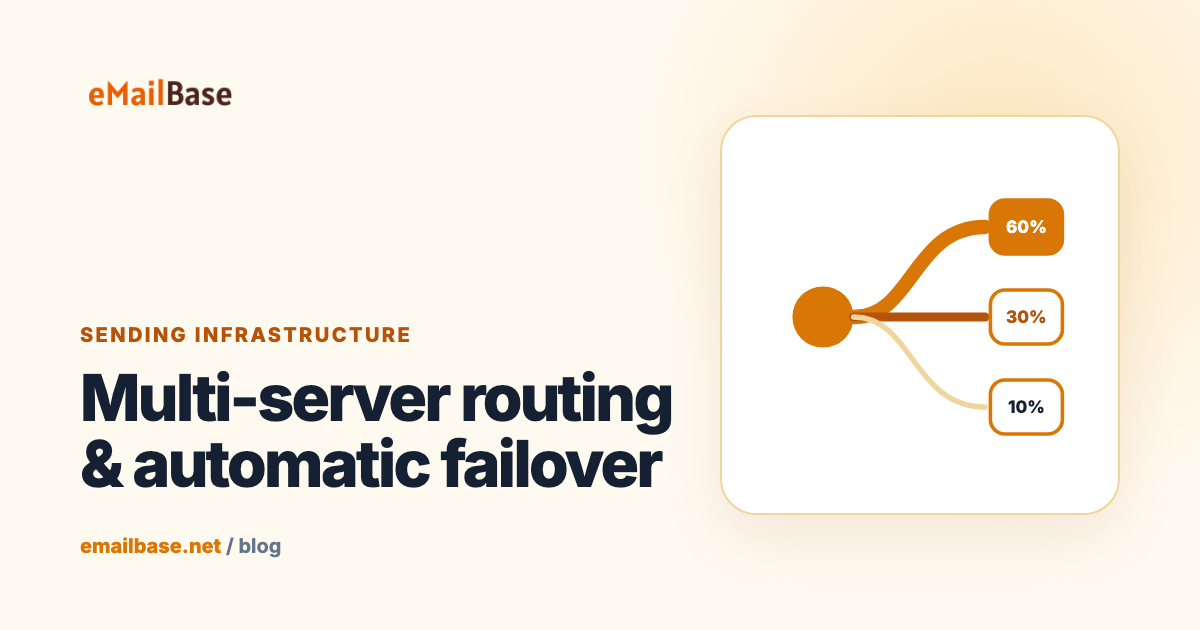
- Multi-provider load balancing: eMailBase lets you split sending volume by weight (for example, 80% through Amazon SES and 20% through SendGrid) and automatically fails over when a server goes down.
4. How to set up BYO sending in eMailBase
- Set up your infrastructure account: Create an account with Amazon Web Services (Amazon SES) or Twilio SendGrid and verify your sending domain.
- Connect it to eMailBase: Enter your credentials (API key or SMTP credentials) under Sending Servers in your dashboard.
- Start sending: Import your contacts, build your templates, and launch campaigns using your standard workflow.